See it in action
A clean interface that gets out of your way.
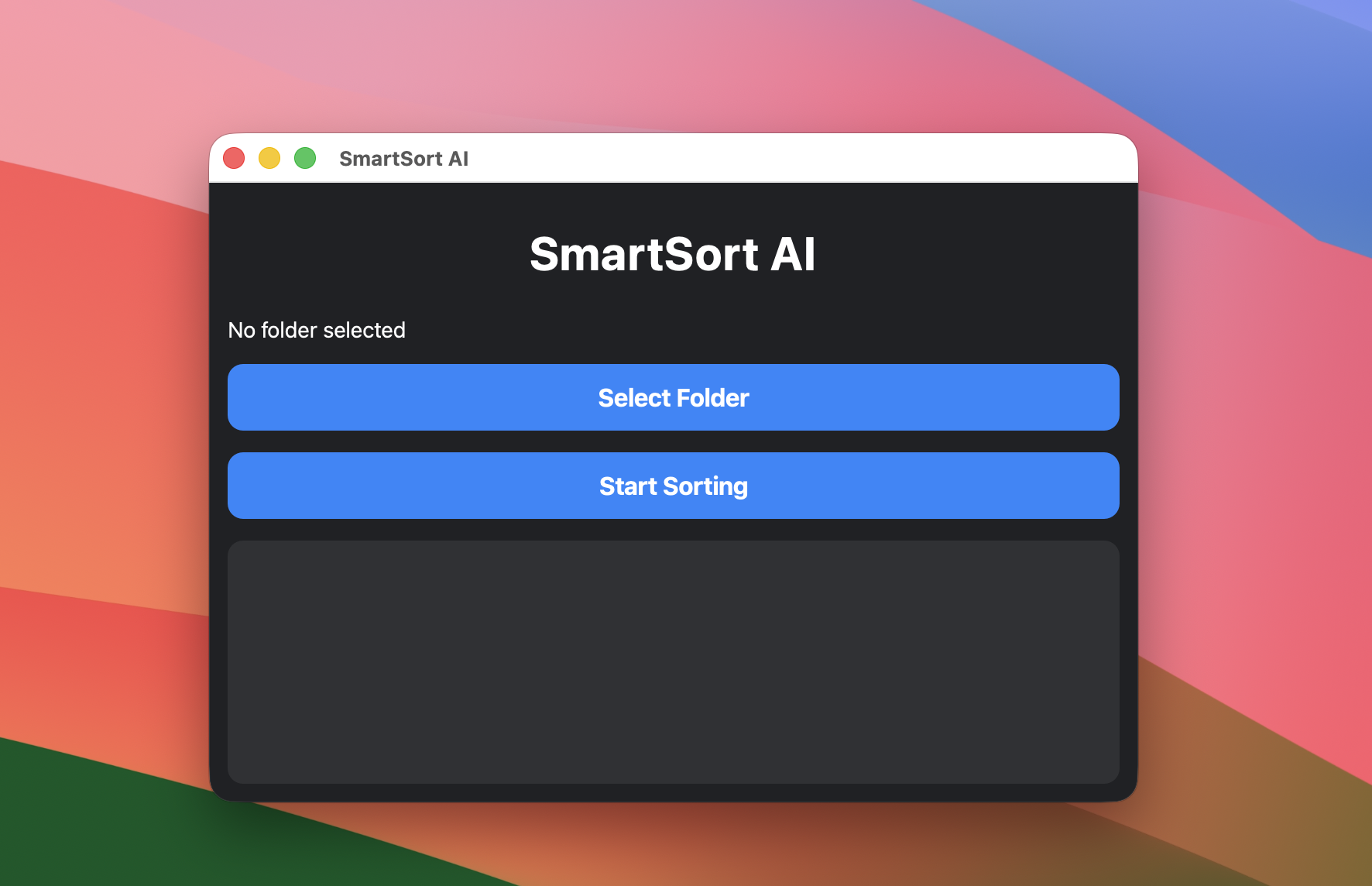
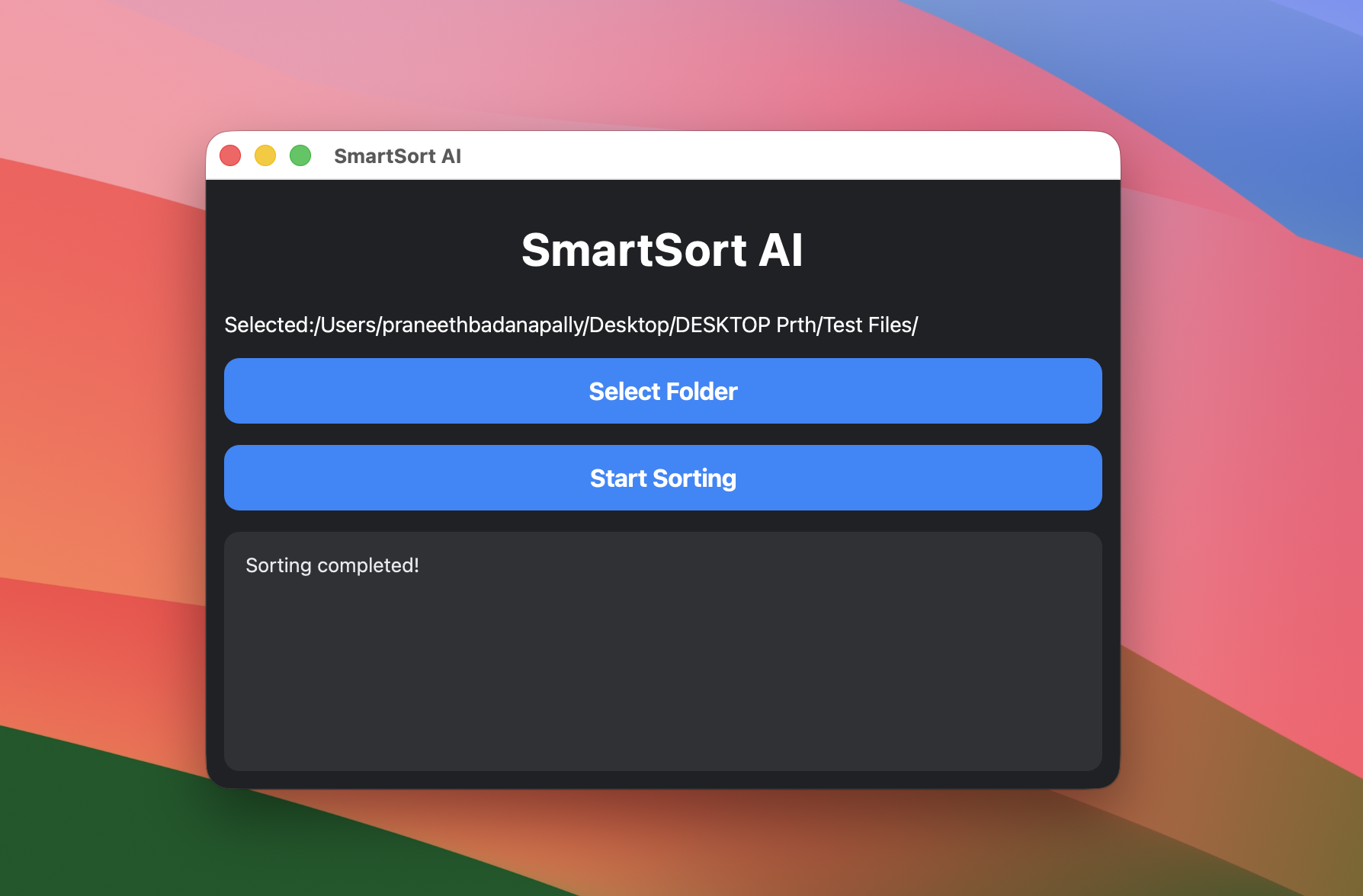
SmartSort AI is a free, open-source desktop app that scans a folder and automatically sorts every file into Images, Documents, Videos, Audio, and Archives — in one click.
macOS note: SmartSort AI is distributed independently rather than
through the App Store, so it isn't yet Apple-notarized — macOS will show a one-time
security prompt the first time you open it. This is expected for independently
distributed apps, not a sign of a problem.
To open it: right-click (or Control-click) the app → Open →
Open again. If that option isn't shown, go to
System Settings → Privacy & Security, find SmartSortAI near the
bottom of the page, and click Open Anyway. Either way, this is only
needed once.
Pick a folder, click sort. No accounts, no cloud upload, no configuration.
Select any folder and SmartSort AI instantly sorts its contents into type-based subfolders.
Everything runs on your machine. No files ever leave your computer — there's no server, no network calls.
Native builds for Windows, macOS, and Linux, built with C++ and Qt6 — fast and lightweight.
A clean interface that gets out of your way.